
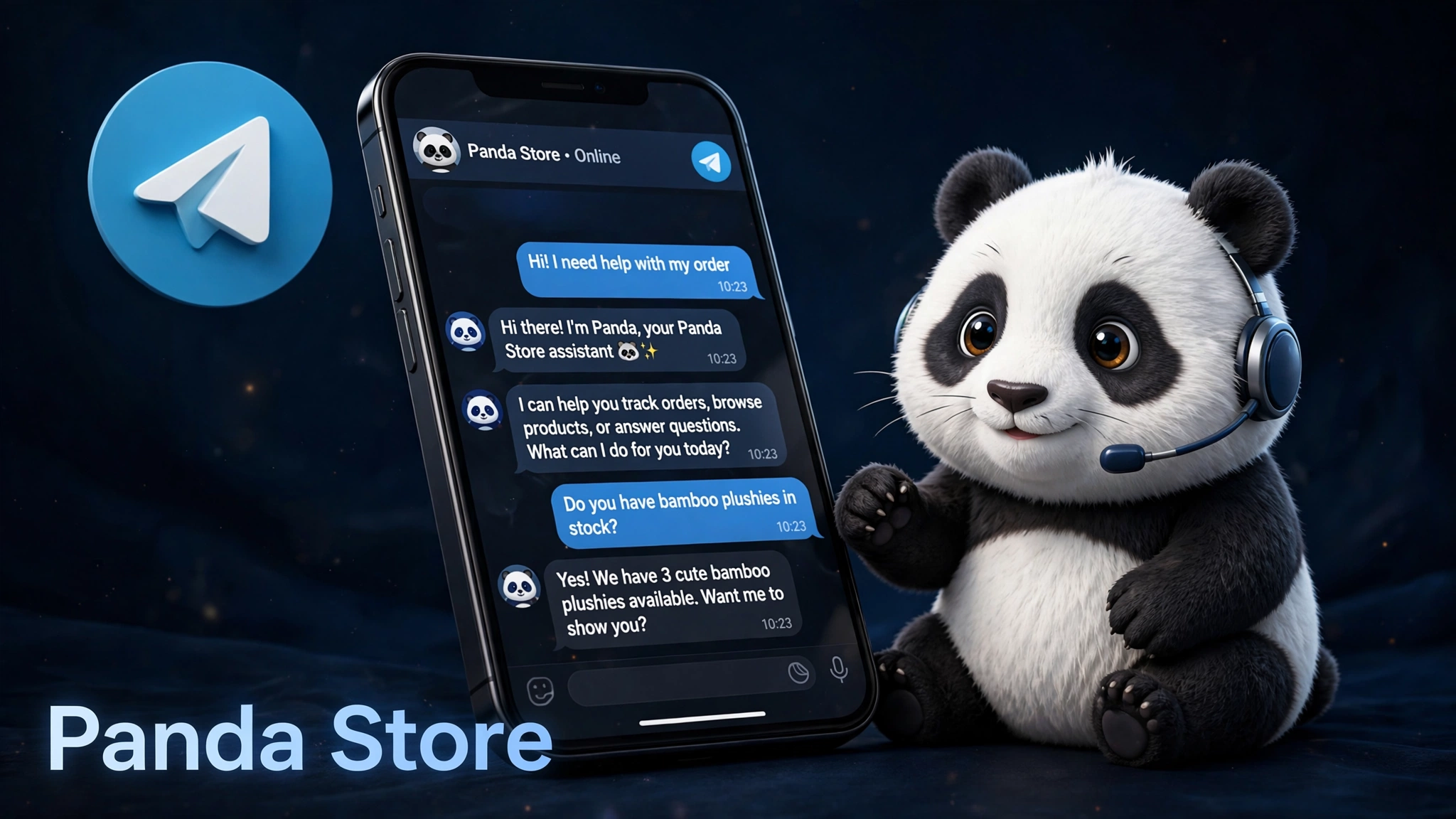
Meet the Panda Store Telegram Bot: Your Store Inside Telegram
Most Panda Store customers live on Telegram, so we brought the store to them. The Panda Store bot (@PandaStores_bot) is a full shop inside Telegram: browse the catalog, top up your wallet, buy subscriptions and receive them instantly — the same account and balance as the website and the app. This article introduces the bot, shows you how to buy through it, and explains how it connects with the rest of Panda Store.
What can the Panda Store bot do?
The bot is not a stripped-down demo — it is the store itself:
- Browse the full catalog: AI subscriptions, design tools, entertainment, Telegram services and more.
- Top up your wallet inside Telegram and pay for orders from your balance.
- Buy subscriptions and Telegram services (Stars and Premium) with automatic delivery.
- Track your orders and receive delivery details right in the chat.
- Use the same balance and account as the website and the Android app.
How to buy through the bot step by step
Your first purchase takes about a minute:
- Open @PandaStores_bot in Telegram and press Start.
- Browse the catalog and choose your product.
- If your balance is empty, top up using the deposit options inside the bot.
- Confirm the purchase — your subscription or service is delivered automatically in the chat.
One account: bot, website and app
The bot, the website and the Panda Store Android app all share one account and one wallet. Link your Telegram to your website account (optional, from your profile) and everything syncs: top up on the website, buy in the bot, track orders in the app. The app adds a polished storefront with the same catalog, and the update system keeps it current automatically.
Support inside Telegram: @PandaCall_Bot
Questions before or after buying? The support bot @PandaCall_Bot connects you with the Panda Store team inside Telegram. It answers common questions instantly — prices, how to deposit, order status — and brings in a human whenever you need one. You never have to leave Telegram to get help.
Conclusion
If Telegram is where you spend your day, the Panda Store bot is the fastest way to buy subscriptions: full catalog, one wallet, instant delivery, and support in the same app. Open @PandaStores_bot, press Start, and make your first purchase in a minute.
Frequently asked questions
Is the bot the same store as the website?
Yes — same catalog, same prices, same wallet. Your account works on the bot, the website and the app together.
How do I pay inside the bot?
Top up your Panda Store wallet (several deposit methods are offered inside the bot, including Telegram Stars for deposits) and pay for orders from your balance, or pay for products directly where offered.
Where do I get help with an order?
Message the support bot @PandaCall_Bot — it answers instantly and connects you with the team when needed.