How to Buy Subscriptions and Digital Products Online — The Complete Guide
Subscriptions power almost everything we use today — AI assistants, design tools, music, video editing and office software. The problem is that official prices keep rising, and many people overpay simply because they do not know there is a smarter way to buy. In this article we explain, step by step, how to buy subscriptions and digital products online at the best price, and how the whole process works at Panda Store from choosing a product to receiving it in seconds.
Step 1: Choose the subscription you need
Start by deciding exactly what you need: the service (for example Gemini Plus or Canva Pro), the plan, and the duration. Longer plans almost always cost less per month, so a 6-month or 2-year plan can save you far more than renewing monthly. At Panda Store the catalog is organised by category — AI tools, design, entertainment, productivity and Telegram services — and every product page shows the duration, the final price and what you will receive before you pay anything.
Step 2: Check the price and what is included
A trustworthy store shows the full price upfront, with no hidden fees added at checkout. Compare the price with the official store price: at Panda Store, for example, Gemini Plus for 6 months costs $1.20, Canva Pro for 2 years costs $1.00, and Office 365 Plus for a full year costs $0.50. Also check whether the product is an upgrade of your own account, an invitation, or ready-made account details, so you know exactly what will arrive.
Step 3: Pay with a method that suits you
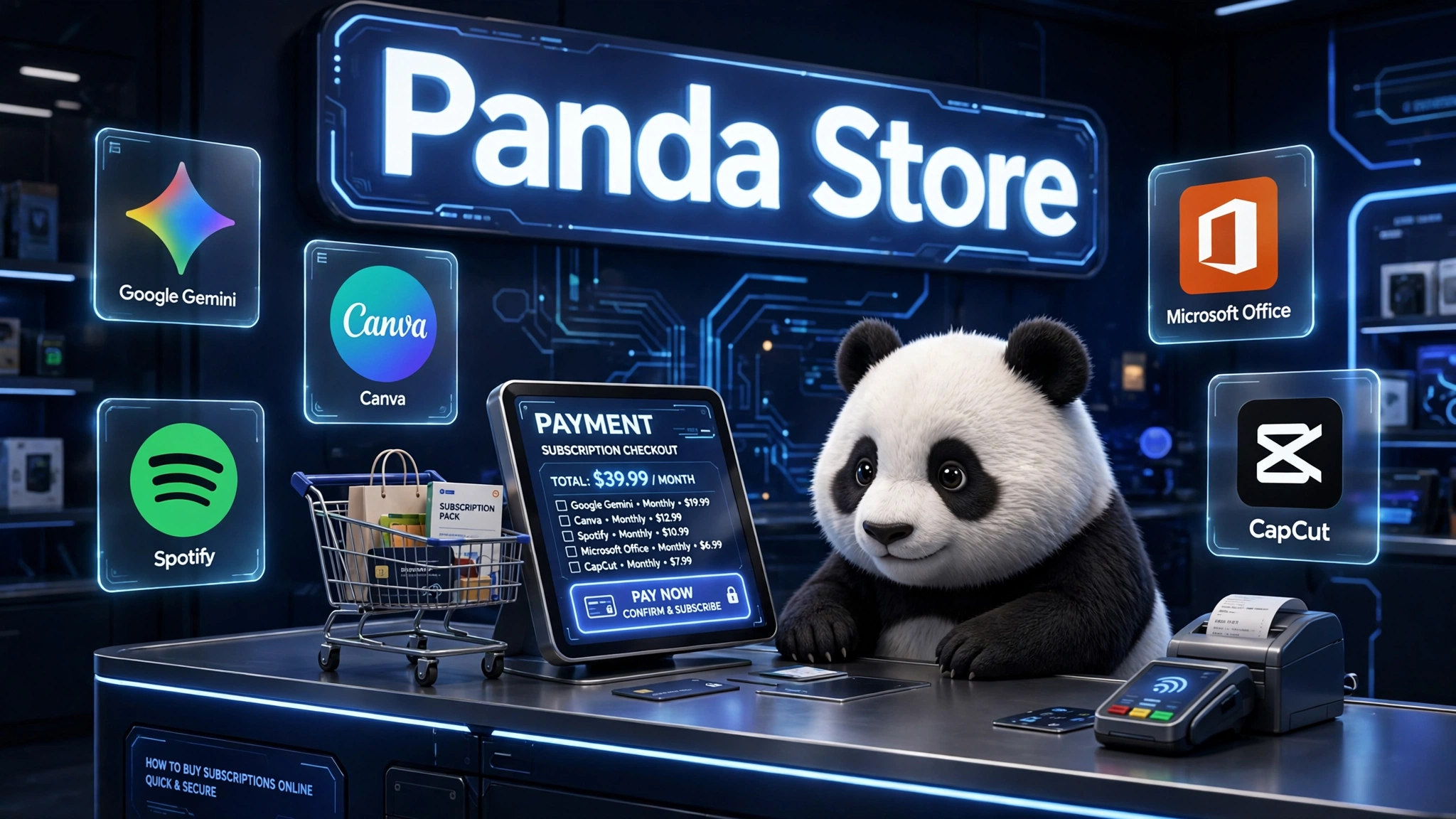
Good stores do not force one payment method on everyone. At Panda Store you can pay with Vodafone Cash, Binance Pay, OKX Pay, Crypto Pay, TON, USDT or your wallet balance. The steps are simple:
- Open the product page and press the buy button.
- Sign in with Google or your email — no Telegram account is required.
- Choose your payment method and complete the payment.
- Your order is confirmed automatically as soon as the payment is verified.
Step 4: Receive your subscription instantly
Digital products do not need shipping. As soon as your payment is confirmed, the activation or the subscription details are delivered to you instantly — usually within seconds — and the order appears in your account so you can return to it at any time. If anything is unclear, support is available to walk you through the first activation step by step.
How to avoid scams when buying subscriptions
The cheap-subscription market attracts scammers, so protect yourself with a few simple rules: buy only from a store with a real support channel and a public community, never pay through personal messages to strangers, check that the store shows clear product details and durations, and start with a small order if it is your first purchase. A store that has served thousands of orders and answers publicly in its channel is always a safer choice than an anonymous seller.
Conclusion
Buying subscriptions online at the best price comes down to four things: choose the right plan, compare the real final price, pay with a method you trust, and buy from a store that delivers instantly and supports you afterwards. Panda Store was built around exactly these four points. Browse the catalog, pick your subscription, and try it now — your first order takes less than a minute.
Frequently asked questions
Is it safe to buy subscriptions from Panda Store?
Yes. Payments are processed through well-known gateways such as Binance Pay, OKX Pay and Crypto Pay, or local methods like Vodafone Cash. Every order is recorded in your account, and support follows up until your subscription works.
How fast will I receive my subscription?
Delivery is digital and instant: as soon as your payment is confirmed, the activation or subscription details are sent to you — usually within seconds, and your order stays visible in your account.
Do I need a Telegram account to buy?
No. You can sign in with Google or your email and buy normally. Telegram linking is optional and only adds the convenience of also buying through the Telegram bot.